What Your Photos Reveal About You: The EXIF Metadata Privacy Guide
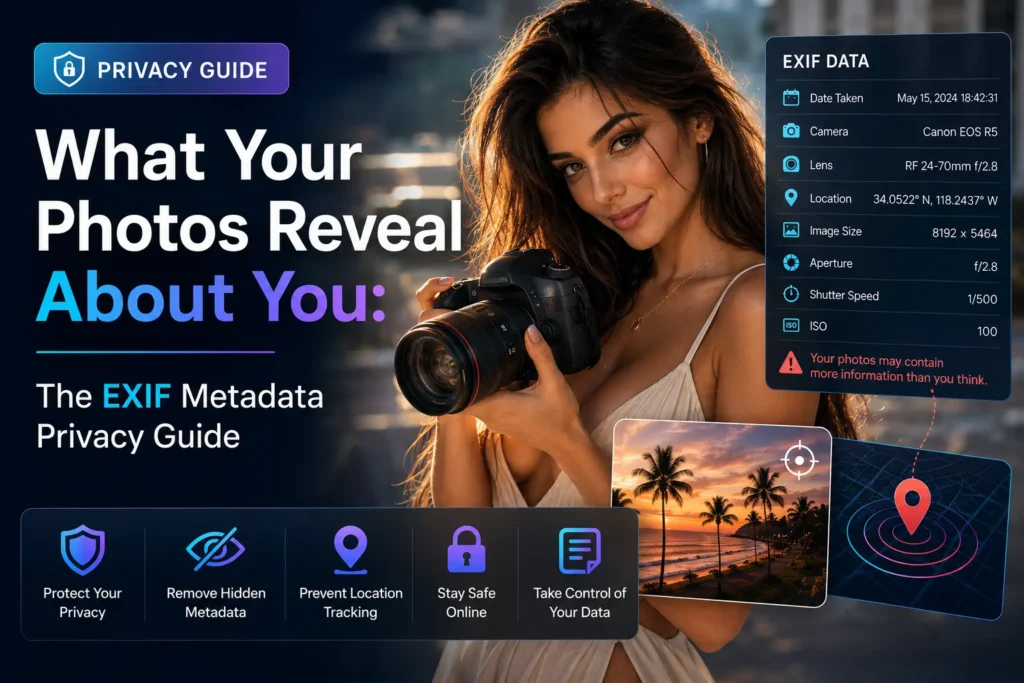
There is a second file riding inside every photo on your phone.
It isn’t hidden exactly — it’s a block of structured data sitting alongside the pixels, and on a modern iPhone or Pixel it typically runs to somewhere between 80 and 120 fields. Most of them are harmless: exposure time, white balance, focal length. A handful of them are not harmless at all.
That block is called EXIF, and almost nobody has ever opened it on a photo they’ve already posted publicly.
This guide covers what’s actually in there, which apps leak it and which don’t, and how to remove the parts that identify you — without destroying the parts that establish where a file came from. Those are two different things, and conflating them is the mistake most “metadata removers” make.
What’s actually inside a photo file
Three metadata standards commonly travel with an image, and they overlap:
- EXIF — written by the camera. Technical capture settings, device information, timestamps, and GPS.
- XMP — written by editing software. Adobe’s format, carrying edit history, ratings, keywords, and copyright fields.
- IPTC — written by publishers and photographers. Captions, credits, contact details, and usage terms.
Within those, the fields that carry real exposure risk are a short list:
GPS coordinates. The headline risk, and the one people underestimate. Phone GPS is accurate to a few metres — accurate enough to identify not just your building but which side of it you were standing on. A photo of a meal posted to a public forum carries the coordinates of the restaurant. If that meal was at home, it carries the coordinates of your home.
Device serial number. Many cameras — and some phones — write a unique body or sensor identifier into every file. This is the quiet one. It links every image you’ve ever posted, across every account and pseudonym you’ve ever used, to a single piece of hardware. Anonymity built on separate usernames does not survive a shared serial number.
Owner and artist fields. Cameras and editing suites frequently write in the registered owner’s name. If you set up your camera or Lightroom install with your real name — most people did — it’s stamped into files you thought were anonymous.
Precise timestamps. Individually harmless. Collected across a set of images, they assemble into a movement timeline: where you were, when, and how long you stayed.
Embedded thumbnails. A small preview of the image is stored separately inside the file. Some older editing tools cropped the main image while leaving the original thumbnail intact — meaning the part you cropped out was still recoverable from the file you shared. This bug has burned people badly.
You can check any of this yourself. The provenance scanner at synthiddetector.com parses these fields in your browser and shows you exactly what a file is carrying, without the file leaving your device.
Which apps strip metadata, and which quietly don’t
This is where most advice goes wrong, because the honest answer has three layers.
Most public feeds strip it from the downloadable copy. Instagram, Facebook, X, TikTok, LinkedIn, Reddit, Snapchat and Pinterest all remove GPS and most EXIF from the version other users can download. Usually this happens as a side effect of recompression rather than as a deliberate privacy feature, but the outcome is the same: a stranger saving your post doesn’t get your coordinates.
But the platform read it first. Stripping happens after upload. Meta, X and the rest ingest your full-metadata original, store it on their servers, and use it for location features, analytics and ad targeting. “Instagram strips EXIF” protects you from other users. It does not protect you from Instagram. If your concern includes the platform itself, the only fix is removing the data before it ever leaves your device.
And private channels are the genuinely risky ones. This is the counterintuitive part. The pathways people assume are safest are the ones that preserve everything:
| Channel | GPS survives? |
|---|---|
| Email attachments | Yes — fully intact |
| iMessage | Yes |
| Google Photos shared links | Yes |
| AirDrop | Yes |
| Slack file uploads | Yes |
| WhatsApp / Telegram — sent as Photo | No, stripped |
| WhatsApp / Telegram — sent as Document | Yes, original file untouched |
| Discord — JPEG | Stripped |
| Discord — PNG | Often survives |
| Public social feeds | Stripped from downloadable copy |
Two traps worth flagging specifically. The first is the document-mode switch: sending an image via the paperclip as a file rather than through the photo picker bypasses compression entirely and delivers your original, coordinates included. The second affects anyone posting professionally — images published through scheduling tools like Buffer or Hootsuite go through platform APIs rather than the official app, and API uploads don’t reliably trigger the same stripping. Social media managers are among the most exposed people here, and almost none of them know it.
One more: removing a visible location tag from a post is not the same as removing GPS from the file. Those are separate systems and the visible tag is cosmetic.
Where this actually goes wrong
The theory becomes concrete fast.
Selling something online. Marketplace listings are the single most common leak. You photograph an item in your living room, post it publicly with your first name, and the file carries your address to anyone who downloads it. The buyer coming to your door already knew where you live.
Anonymous or pseudonymous accounts. Activists, whistleblowers, people writing under a pen name, anyone maintaining separation between an online identity and a legal one — all defeated by a serial number or an owner field they never knew was being written.
Domestic safety. For someone who has left an abusive relationship, a single geotagged photo shared to a small group can be catastrophic. This is not a hypothetical risk; it’s the reason metadata hygiene belongs in safety planning.
Journalism. A photo from a source, forwarded by email, arrives with the source’s coordinates and device ID attached. The reporter protecting that source needs to strip the file before it touches an internal system, not after.
Job applications and portfolios. Portfolio images routinely carry the photographer’s home address from where they were edited, plus client names in IPTC fields that were never meant to be public.
How to remove it
On iPhone: In Photos, select the image, tap Share, then Options at the top of the share sheet, and switch off Location. This strips GPS for that share only. To remove it permanently, open the photo, tap the info button, and adjust or remove the location there.
On Android: In Google Photos, open the image, swipe up for details, and remove the location. Note that this edits Google’s copy, not necessarily the file on disk.
On Windows: Right-click the file, choose Properties, then Details, then “Remove Properties and Personal Information.” This creates a cleaned copy.
On macOS: Open in Preview, then Tools → Show Inspector → the GPS tab, and remove location information.
In bulk, or for anything sensitive: Use a tool that shows you what it found before it removes it. The metadata privacy cleaner at synthiddetector.com reads the file in your browser — the bytes never upload anywhere — displays the identifying fields it located, and strips them on request.
The operating system methods above are fine for casual use. They’re also opaque: they don’t tell you what was there, so you never learn what you’d been sharing.
The part almost every metadata remover gets wrong
Here is the distinction that matters, and it’s the reason this tool works differently from a generic EXIF stripper.
Not everything in a file’s metadata is about you. Some of it is about the file.
C2PA Content Credentials are cryptographically signed records of what created an image and how it was edited. SynthID watermarks and generator disclosures mark content as AI-generated. These are provenance signals. They exist so that a reader, an editor, or a moderator can establish where something came from.
A blunt “remove all metadata” tool destroys those alongside your GPS coordinates — and the two removals serve opposite purposes:
- Stripping your GPS hides where you were. That’s privacy.
- Stripping a watermark hides where the content came from. That’s laundering.
A cleaner should serve the first goal and refuse the second. So: GPS tags, device serial numbers, owner and artist fields, and device identifiers get removed. Content Credentials, watermarks and generator disclosures get preserved. Colour profile and orientation get preserved too, so the image still displays correctly everywhere.
This is also why no responsible service offers a “watermark remover.” An AI watermark carries no information about you and does exactly one job. Removing it has one use case, and it isn’t privacy.
If you want to understand what those provenance signals are and what they can prove, the coverage documentation lays out which sources leave readable signals and which don’t.
What stripping metadata does not do
Be clear-eyed about the limits, because overconfidence here is its own risk.
Removing EXIF does not make a photo anonymous. The image content itself is often more identifying than the metadata ever was — a street sign, a distinctive window, a reflection in a mirror, a visible license plate. Reverse image search finds locations from scenery alone.
It also doesn’t defeat sensor-level forensics. Every camera sensor has a unique noise pattern, and specialists can match images to a specific device from the pixels themselves. Stripping metadata does not touch this.
And it does nothing retroactively. Files you’ve already sent by email or shared via cloud link are out there with everything intact. Cleaning is a habit going forward, not a repair.
The one rule
Every platform’s behaviour changes without notice. Discord’s handling shifted, WhatsApp’s quality modes vary by version, and any comparison table — including the one above — is a snapshot.
Which makes the practical rule simple: clean the file before it leaves your device, and stop depending on platforms to protect you. That’s the only approach that survives a policy change you never read about.
Start by finding out what you’ve been carrying. Check a photo now — read entirely in your browser, free, nothing stored.